
Live Event Q&A Widget for Interactive Sessions
EVENTDEX'S
Live Event Q&A Widget for Interactive Sessions
Keeping audiences engaged is one of the biggest challenges during live events. Attendees often have questions but hesitate to raise their hand, moderators find it hard to manage multiple voices at once, and valuable queries sometimes get lost in the noise. The Eventdex Iive Q&A Widget solves all these challenges by offering a structured, digital-first approach to audience interaction.
Integrated directly into the Eventdex event app, this widget allows attendees to submit questions in real time, upvote those they find most important, and even post anonymously. Moderators and speakers gain complete control over which questions to highlight, creating a smooth, professional, and interactive flow that benefits everyone.
From trade shows and seminars to multi-day conferences, hybrid events, and corporate meetings, the Eventdex Q&A Widget ensures that every participant has a voice. The result is a more engaged audience, sessions that stay on track, and valuable post-event insights that extend beyond the stage.
- 4.7
- 4.7

Experience the power of Eventdex firsthand – schedule your demo today!
TAKE YOUR EVENTS TO THE NEXT LEVEL
Key Features of Eventdex Q&A Widget
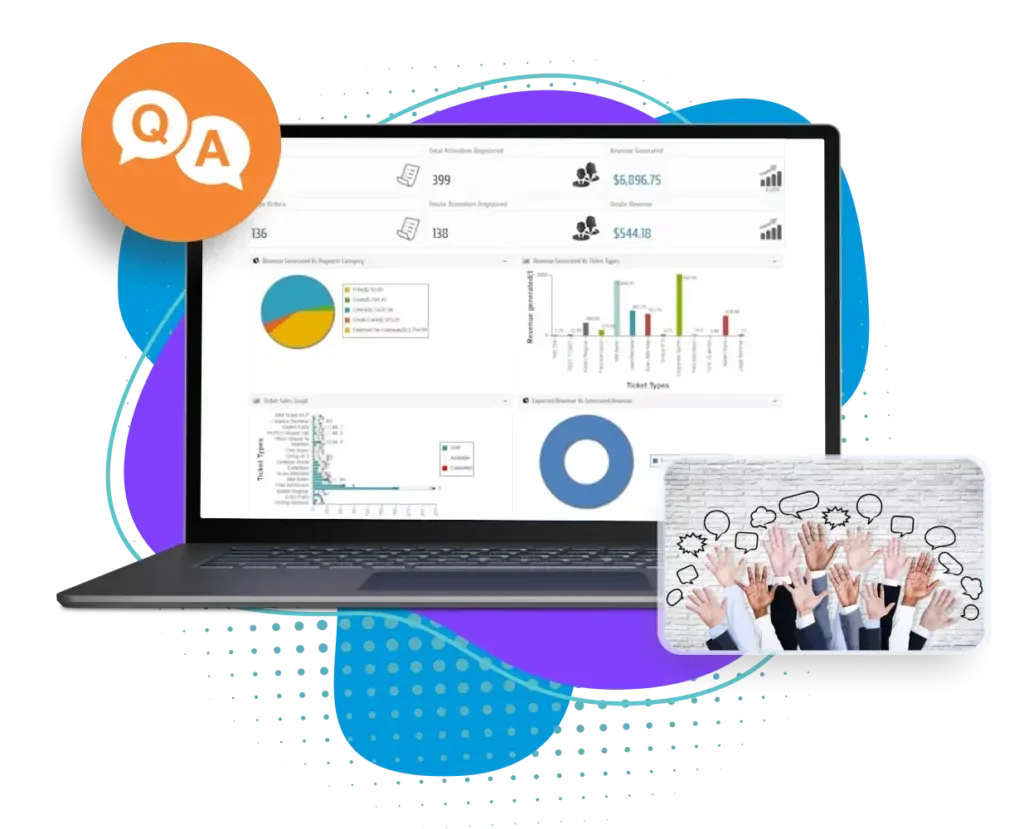
Smooth Access through Event Dashboard
Attendees don’t have to download a separate tool. Once they log in to the Eventdex app, their personalized dashboard puts everything in one place. The Q&A Widget is easy to find and even easier to use, ensuring maximum adoption and participation.

Session-Specific Questioning
With multiple tracks and parallel sessions, directing questions to the right place is critical. The widget lets attendees choose their specific session, panel, or keynote. This ensures every question is relevant to the ongoing discussion and speakers receive questions intended for them only.
Effortless Submission in Seconds
Typing and submitting a question is as simple as sending a message. Attendees enter their question, hit send, and it instantly appears in the live Q&A queue. No waiting for microphones, no interruptions to the speaker, and no awkward silences—just smooth communication.
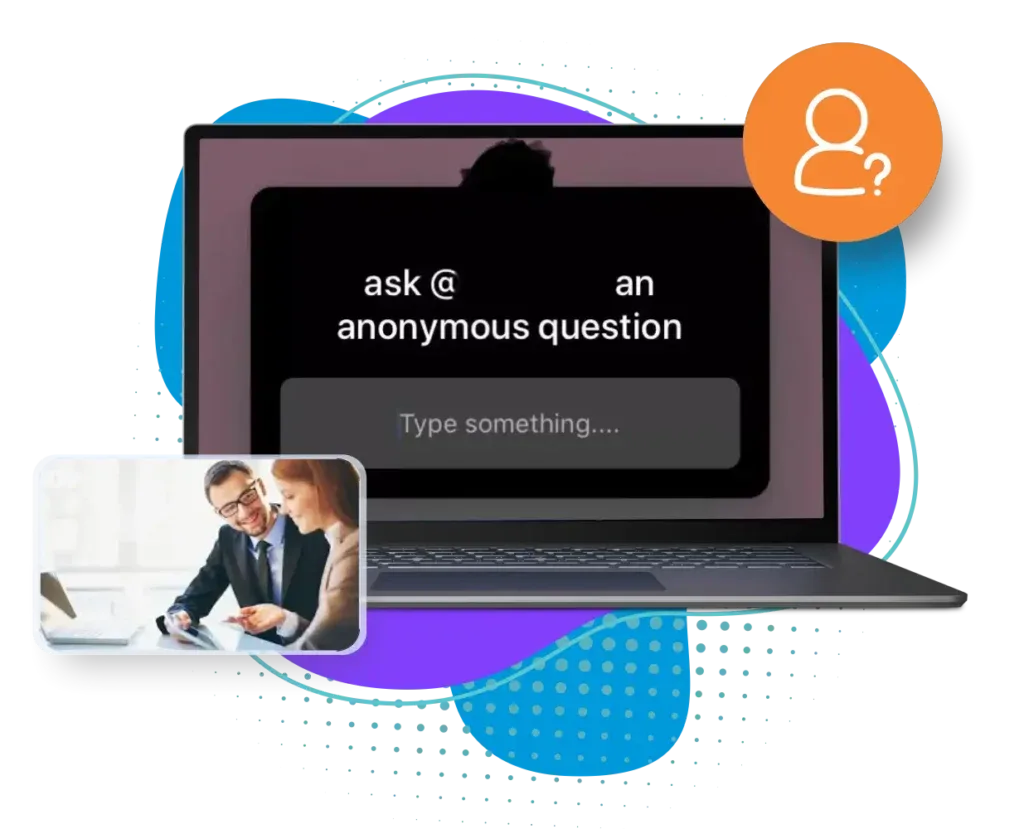
Anonymous Participation for Honest Input
Many attendees hesitate to ask questions in a public setting. The anonymous toggle empowers them to contribute freely without attaching their identity. This feature not only increases participation but also encourages more thoughtful, honest, and critical questions that might otherwise go unspoken.
Full Moderator and Speaker Control
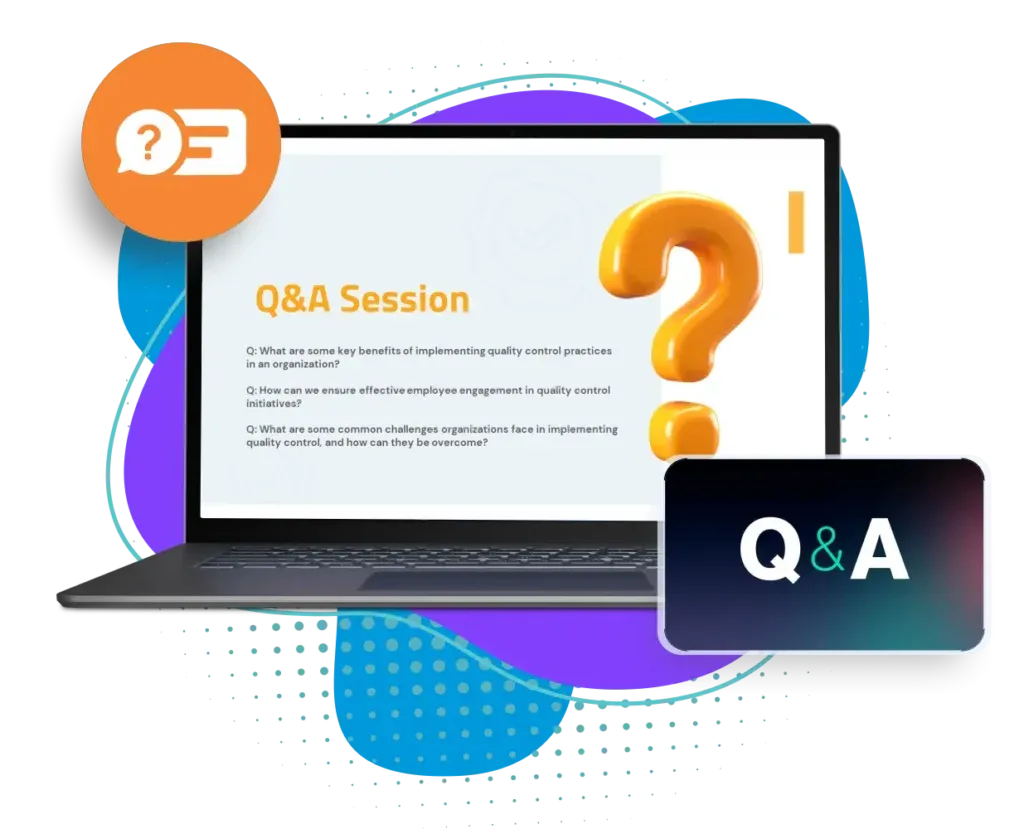
Moderators oversee the Q&A queue to ensure sessions remain structured and professional. They can sort questions by recency, popularity, or manual preference. They decide which questions to publish live and which to hold back. This prevents off-topic or irrelevant queries from disrupting the session and ensures the discussion stays valuable.
Audience Voting and Prioritization
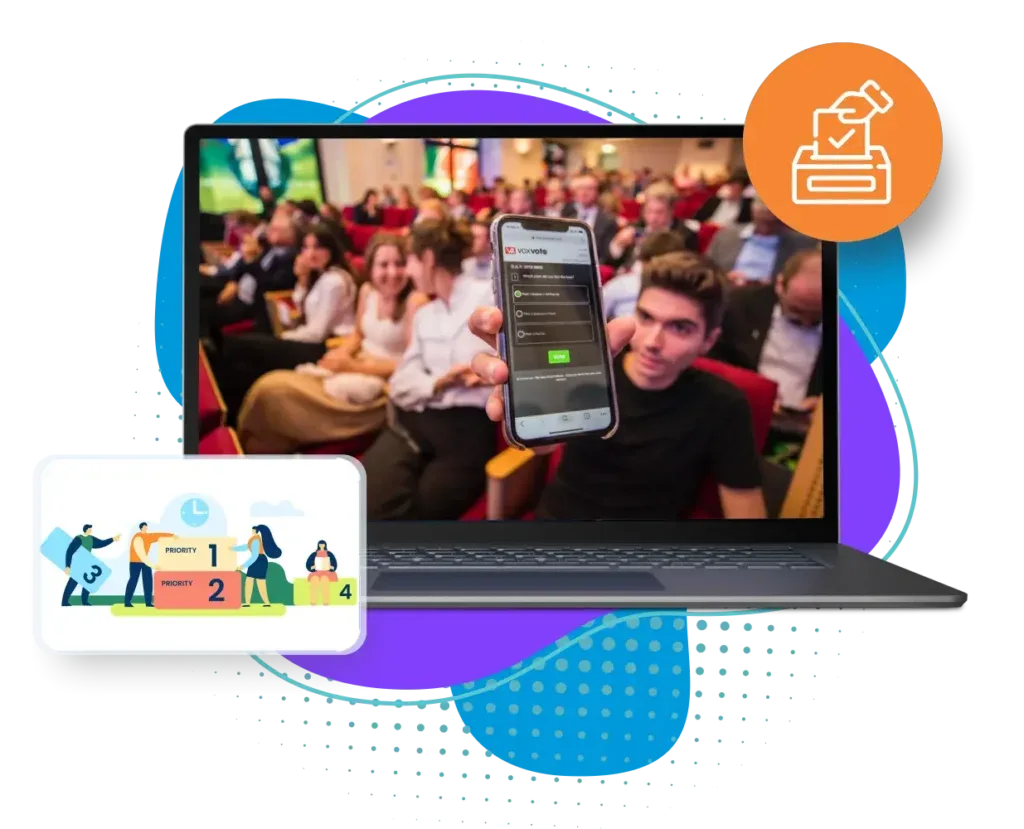
Not every question carries equal weight. The upvoting feature allows attendees to signal which queries resonate most with them. This democratic approach brings the most pressing issues to the forefront, ensuring that the content reflects the true interests of the audience.
Instant Real-Time Interaction
Every question is delivered and displayed in real time. Speakers can acknowledge audience input as it happens, creating a dynamic exchange of ideas without slowing the pace of the session. This immediacy keeps participants engaged and gives speakers valuable cues about audience interest levels.
Post-Event Question Archive
With the Eventdex Q&A Widget, the value doesn’t end when the session does. Organizers and speakers can export every submitted question, building a detailed record of audience concerns and interests. This archive becomes a powerful resource—helping refine future agendas, provide meaningful feedback to speakers, inspire blogs or whitepapers, and even offer sponsors valuable insights into attendee priorities.

Flexible for All Event Types
The Eventdex Q&A Widget adapts to any event format with ease. At in-person events, it replaces microphone passes with instant digital interaction. In hybrid settings, it connects on-site and virtual attendees in the same conversation. For fully virtual events, it delivers real-time engagement that feels just like being in the room.
TAKE YOUR EVENTS TO THE NEXT LEVEL
Benefits of Live Q&A Tool for Conferences, Meetings, and Events

Maximizes Audience Participation
Every attendee gets a chance to be heard, even those who are shy or hesitant to speak publicly. This ensures equal engagement across the audience, not just from the outspoken ones. As a result, sessions feel more inclusive and interactive.

Improves Speaker-Audience Connection
Speakers no longer have to juggle content delivery with chaotic interruptions. They can focus on presenting while still addressing questions in an orderly way. This balance fosters stronger connections and more engaging presentations.
Encourages Transparency and Honest Feedback
Anonymous question submission removes the fear of judgment. It allows attendees to raise critical or sensitive points openly. This promotes authentic dialogue and builds trust between speakers and participants.

Provides Data-Driven Insights
Organizers can export Q&A logs and analyze attendee interests post-event. This data reveals trending themes and knowledge gaps. It also helps prove event ROI to sponsors and stakeholders with tangible insights.
Supports Hybrid and Global Participation
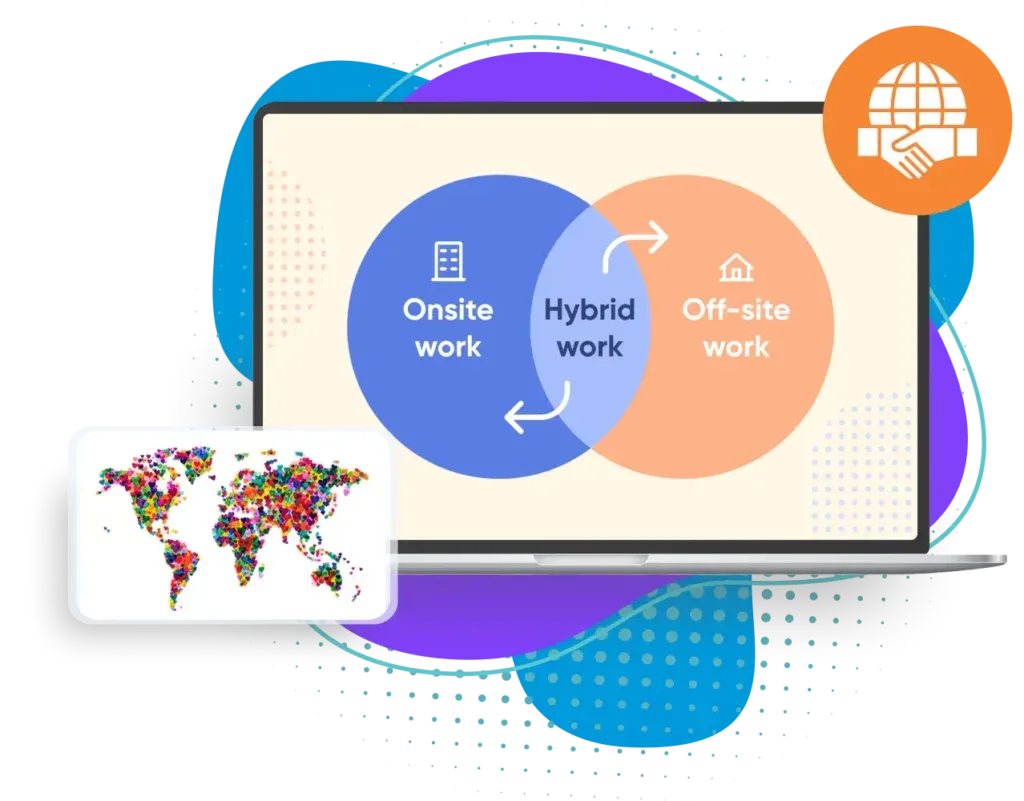
Geography no longer limits participation as anyone can join the Q&A in real time. Remote and hybrid attendees feel equally engaged in the discussion. This expands audience reach and makes events globally accessible.
Book A Demo
Let’s Plan Your Next Event Now!
EVENTDEX'S
Frequently Asked Questions
How do attendees access the Q&A Widget?
Attendees simply log in to the Eventdex app and tap the Q&A widget on their dashboard. From there, they select their session and start asking questions instantly.
Can participants remain anonymous?
Yes, attendees can toggle the anonymous option before submitting their question to ensure privacy.
Who controls the flow of questions?
Moderators and speakers manage the Q&A queue, deciding which questions to display, prioritize, or answer live.
Can attendees see and vote on other questions?
Yes, the widget allows audience voting. Popular questions rise to the top, giving speakers valuable insight into shared concerns.
Is the Q&A Widget suitable for hybrid or virtual events?
Absolutely, it works seamlessly for all event types, from small virtual meetings to large-scale hybrid conferences.
What happens to the submitted questions after the session?
Organizers can export all questions into detailed reports for analysis, follow-up, or future event planning.
Can it integrate with other Eventdex features?
Yes, the Q&A Widget is part of the Eventdex suite, working alongside event apps, polling, surveys, live analytics, and more for a complete engagement solution.