
Booth Set-Up Instructions
By support
To initialize the process, Please make sure that you are logged into the Eventdex portal using the same email address that you have used for registration.
BOOTH SET-UP INSTRUCTIONS:
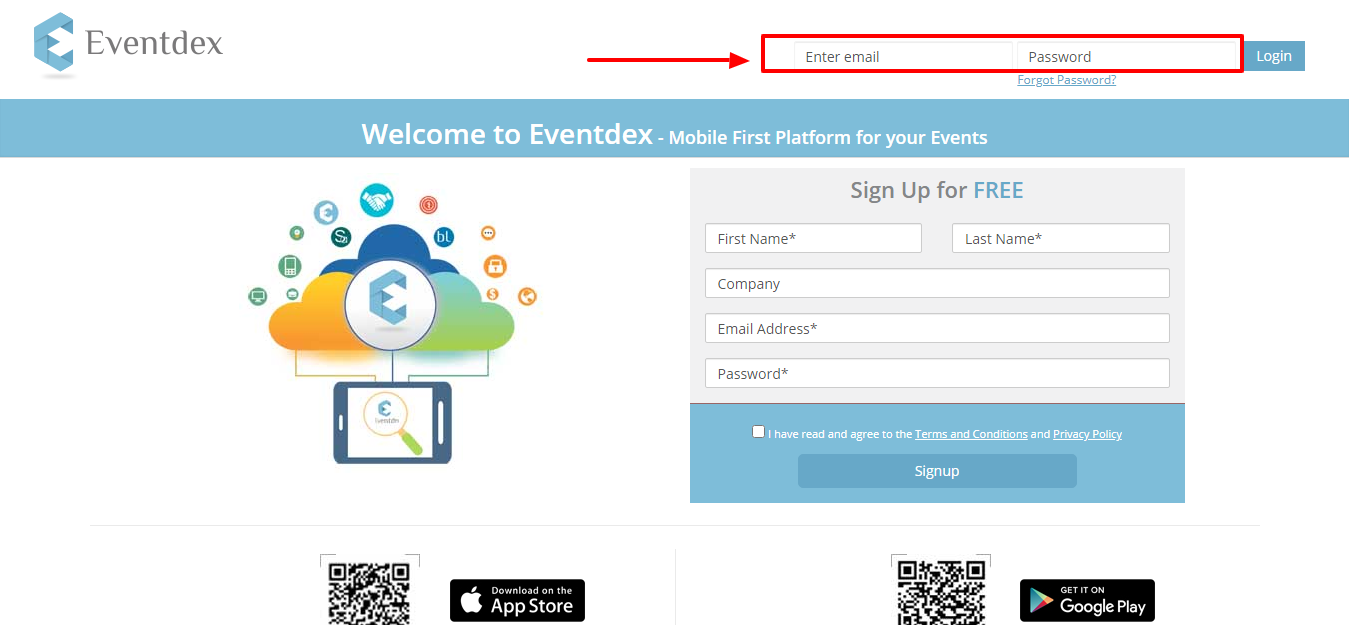
Step 1: The Eventdex portal can be accessed by visiting https://eventdex.my.site.com/
- If you have previously used the Eventdex platform, log in with your same ID (email must be the same as the one which you registered for this event).
- If you are new to the Eventdex platform, please click on the “Sign up” to create an ID and password.
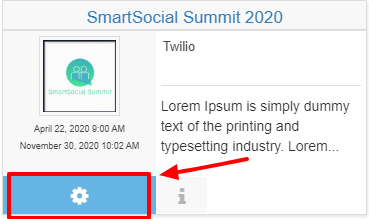
Step2: Click on “Settings Wheel” as shown below to see your event’s Dashboard.
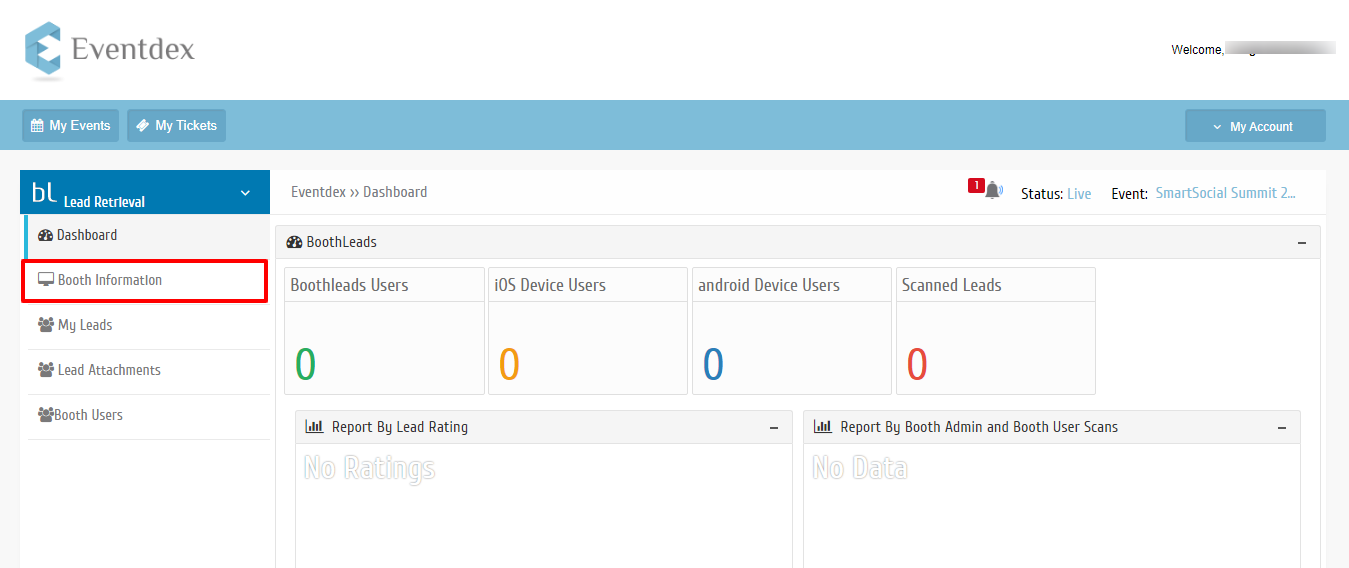
Step 3: Booth Set-Up
- On the drop-down of “Lead Retrieval” select “Booth Information”
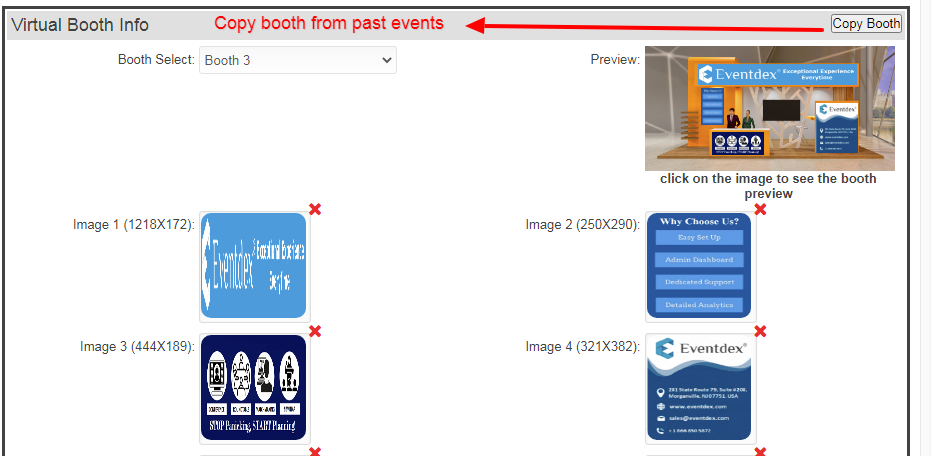
Step 4: In the Booth Information, you will have the option to edit Booth Information. If you have a virtual booth in past events, you have an option to copy a booth from the past events. (Please check the screenshot below)
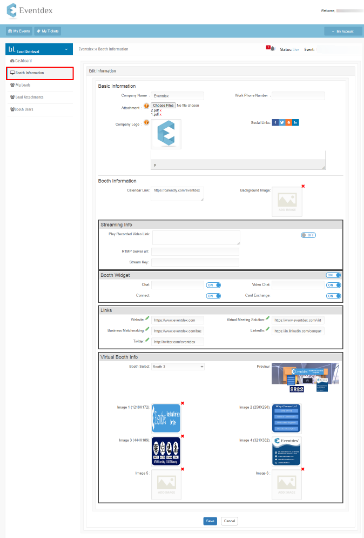
Copy Booth option:
Links:
Please click on the Edit button (Pencil icon) to label the link
Ex: Website: https://www.eventdex.com
To know more details about Exhibitor booths Visit here https://www.eventdex.com/support/knowledge-base/virtual-exhibitor-booth/
Video:
How to design your tradeshow booth in Eventdex?
https://vimeo.com/469627092