How to add Attendee from Scan Attendee App ?
By Krishna Vaaka
To add an attendee, please use admin logins to see the tickets.
Select the ticket and quantity and add an attendee
Path : Menu>>Tickets>>Select ticket and quantity>> tap on the cart icon at the top right corner. Add attendee details and tap next to save it.
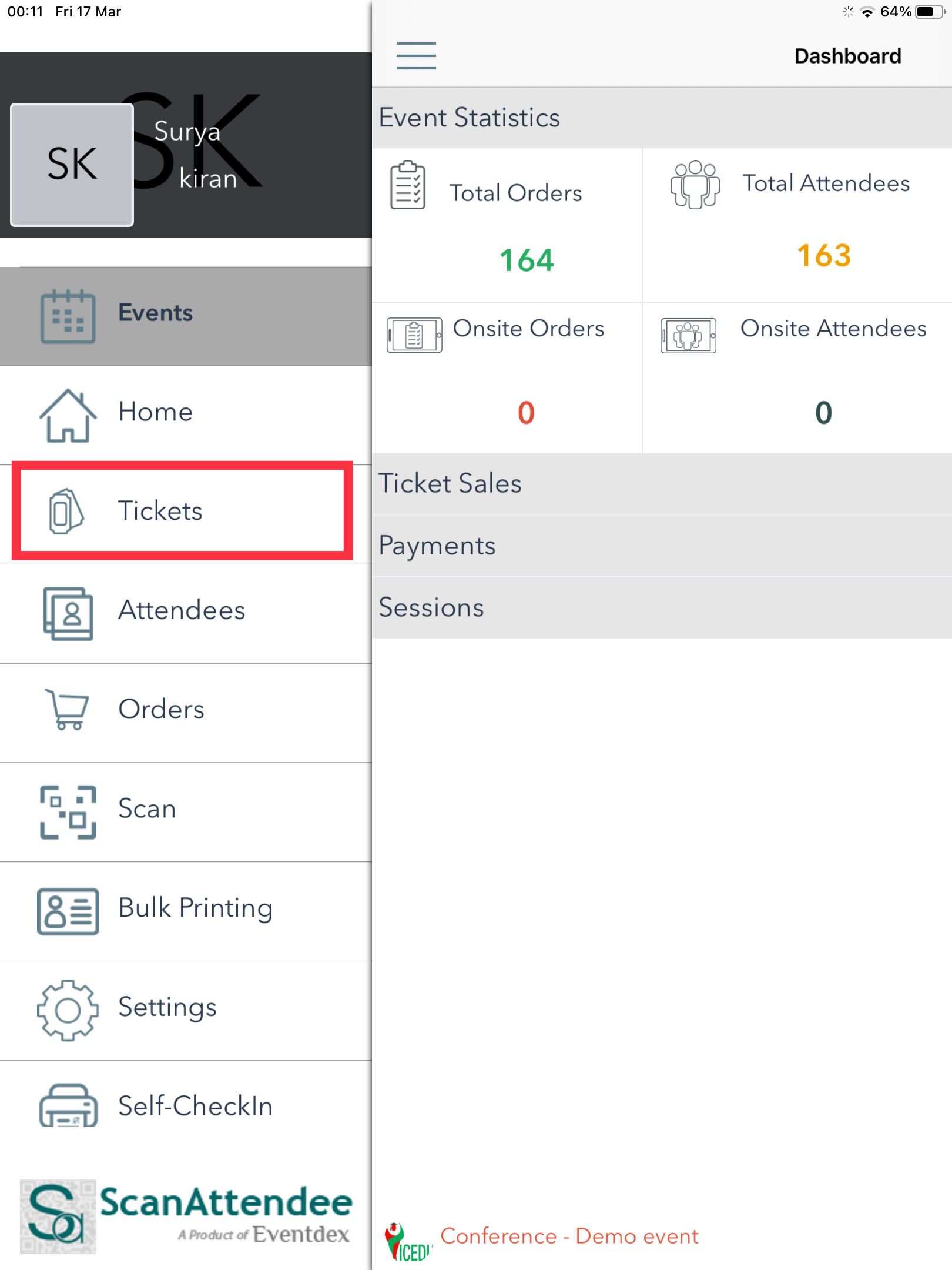
Step 1 : Select Tickets under MENU .
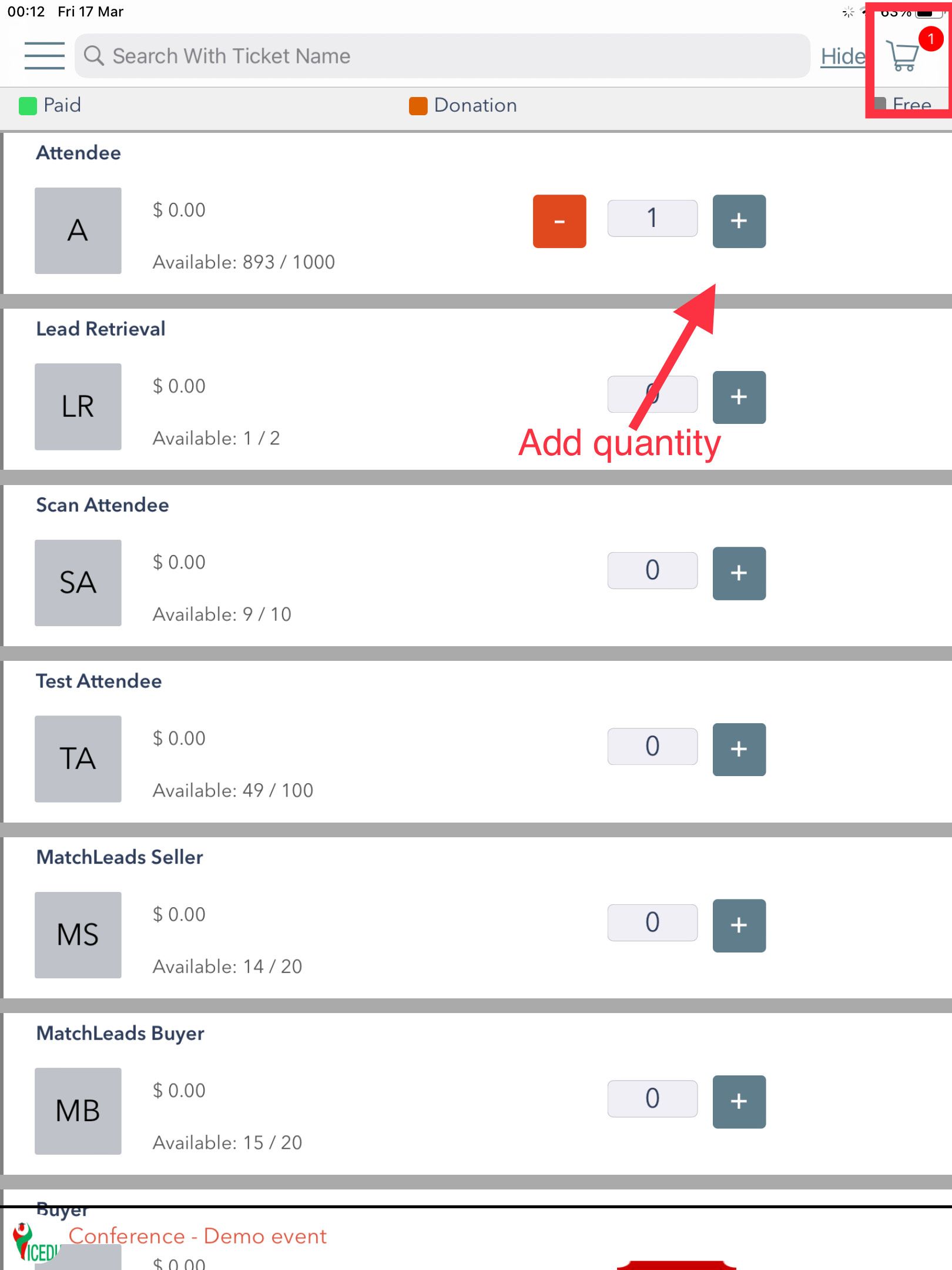
Step 2 : Select Ticket and Quantity tap on the cart icon at the top right corner.
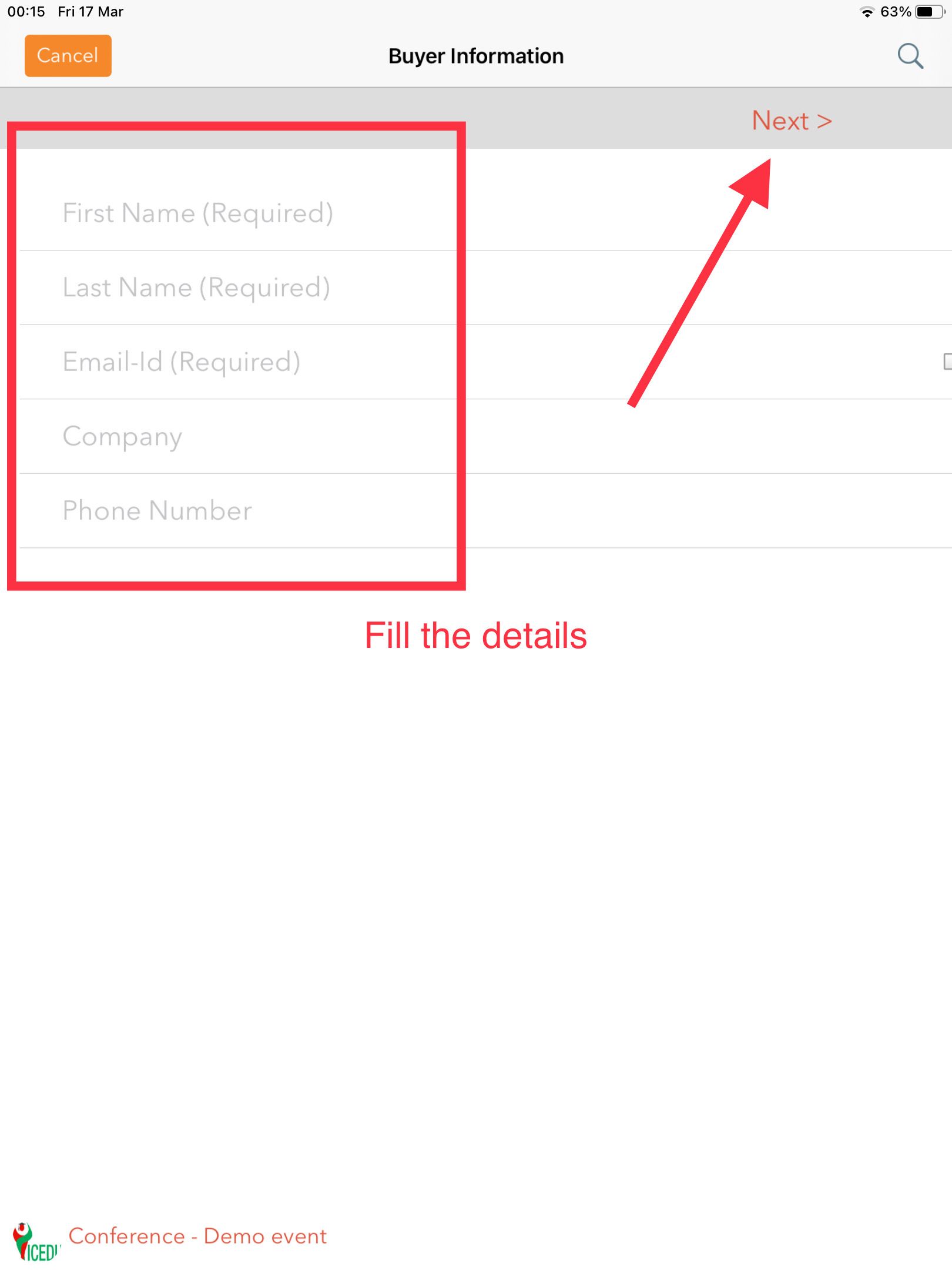
Step 3 : Add Attendee details and tap next to save it.