
How to Edit My Profile?
By support
EVENTDEX REGISTRATION How to Edit My Profile?
Follow the steps below to update your profile information associated with your Eventdex registration.
Before you begin:
Make sure you have access to the email address associated with your Eventdex account. 1
Log in to your Eventdex account
Go to the Eventdex login page and sign in using your Eventdex account credentials.
Don’t have an Eventdex account?
If you registered for an Eventdex-powered event but have never created an Eventdex account,
follow these signup and login instructions
.
2
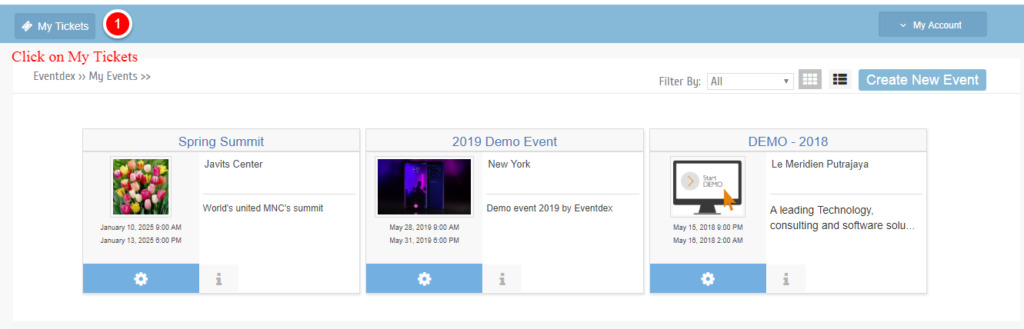
Click “My Tickets”
After logging in, click My Tickets to view your event registration and ticket details.
3
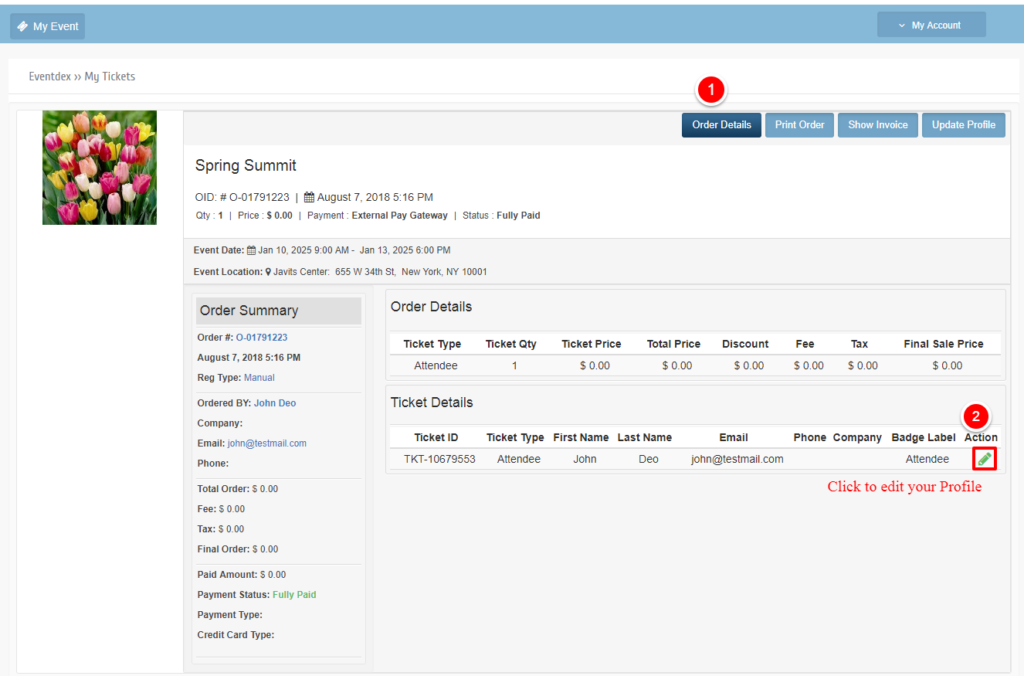
Open your Ticket Details
Under Order Details, locate your ticket and click
Edit or the pencil icon next to Ticket Details.
4
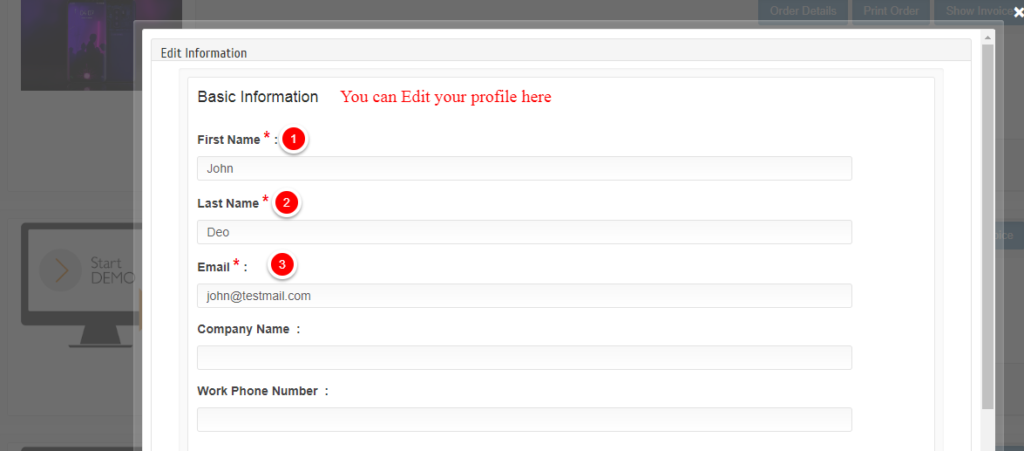
Update your profile information
Update the profile information you want to change, such as your name,
email address, or other available registration details.
5
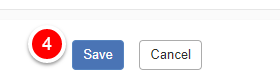
Click Save
Once you have finished updating your information, click Save
to apply the changes.
✓ You’re all set!
Your profile information has been updated successfully.