
How to Sign Up, Log In & Reset Your Eventdex Password
By support
GETTING STARTED WITH EVENTDEX New to Eventdex? Sign Up, Log In & Reset Your Password
Everything you need to create your Eventdex account, sign in, or reset
your password.
New to Eventdex?
Start here. You can create your account, learn how to log in,
or reset your password if you already have an account. GET STARTED
Create Your Eventdex Account
If you are new to Eventdex, you can create an account through the
Eventdex portal. Your account allows you to access Eventdex services
and registrations.
1
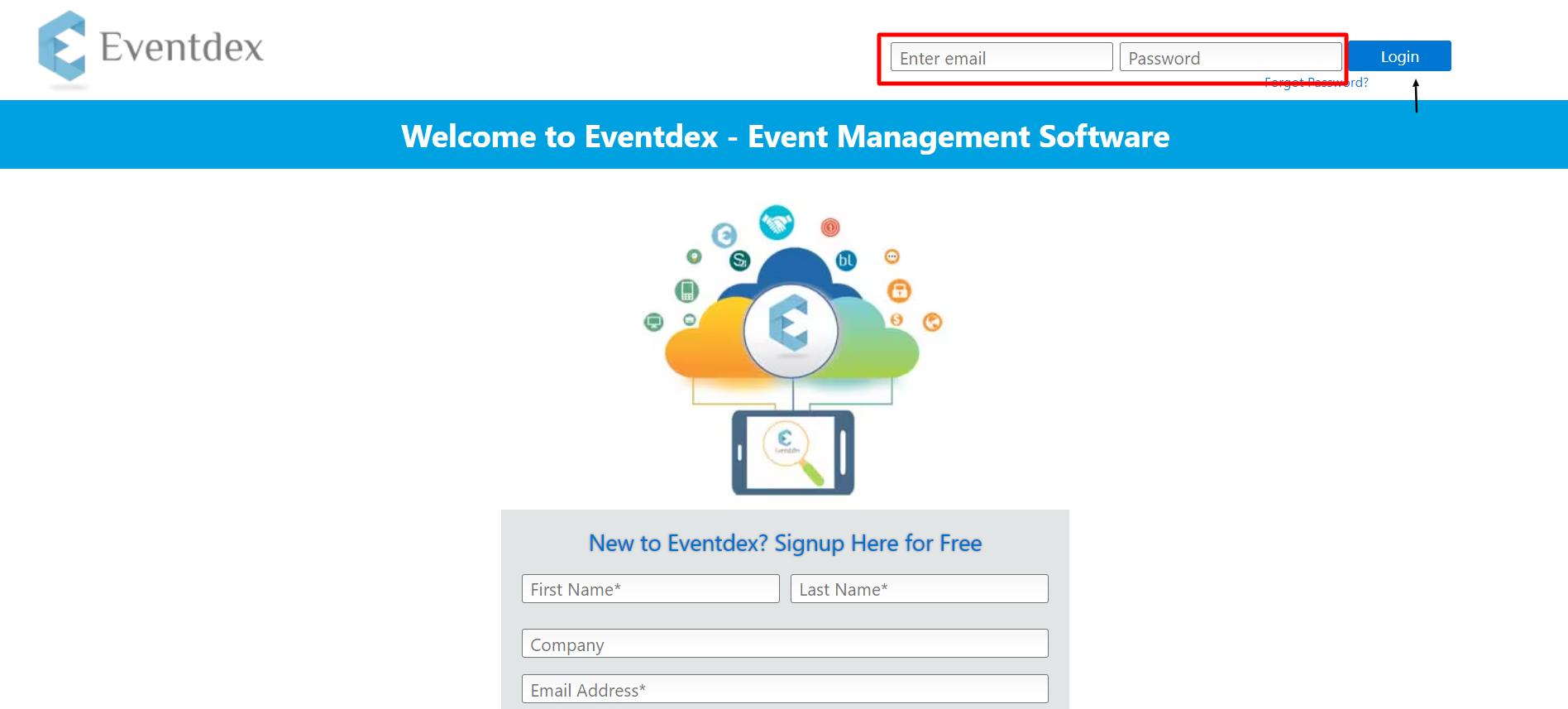
Open the Eventdex Sign Up page
Go to the Eventdex website and click
Login in the top-right menu, or open the
Eventdex signup page directly.
2
Enter your account information
Complete the required fields on the signup form.
First Name
Required Last Name
Required Email ID
Required Password
Required Company Name
Optional 3
Review and agree to the terms
Before selecting Sign Up, review the applicable
Terms and Conditions and Privacy Policy, then agree to them.
4
Click Sign Up
Click the Sign Up button to create your account.
5
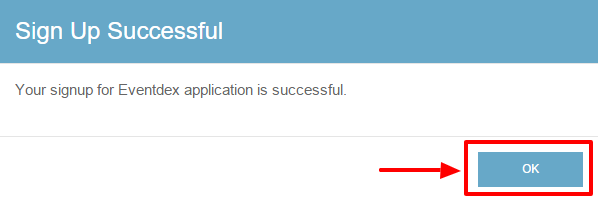
Confirm your signup
A signup confirmation message will appear. Click
OK to continue and access your Eventdex account.
ALREADY HAVE AN ACCOUNT?
Log In to Eventdex
If you already have an Eventdex account, use your registered email
address and password to sign in.
1
Enter your email and password
On the Eventdex login page, enter the
registered email address associated with your
account and your correct password.
2
Click Login
Click the Login button to access your Eventdex
account.
✓ Successfully logged in!
You can now access your Eventdex account and continue with your
registration or event-related activities.
CAN’T REMEMBER YOUR PASSWORD?
Reset Your Eventdex Password
If you cannot remember your Eventdex password, you can request a new
password from the login page.
1
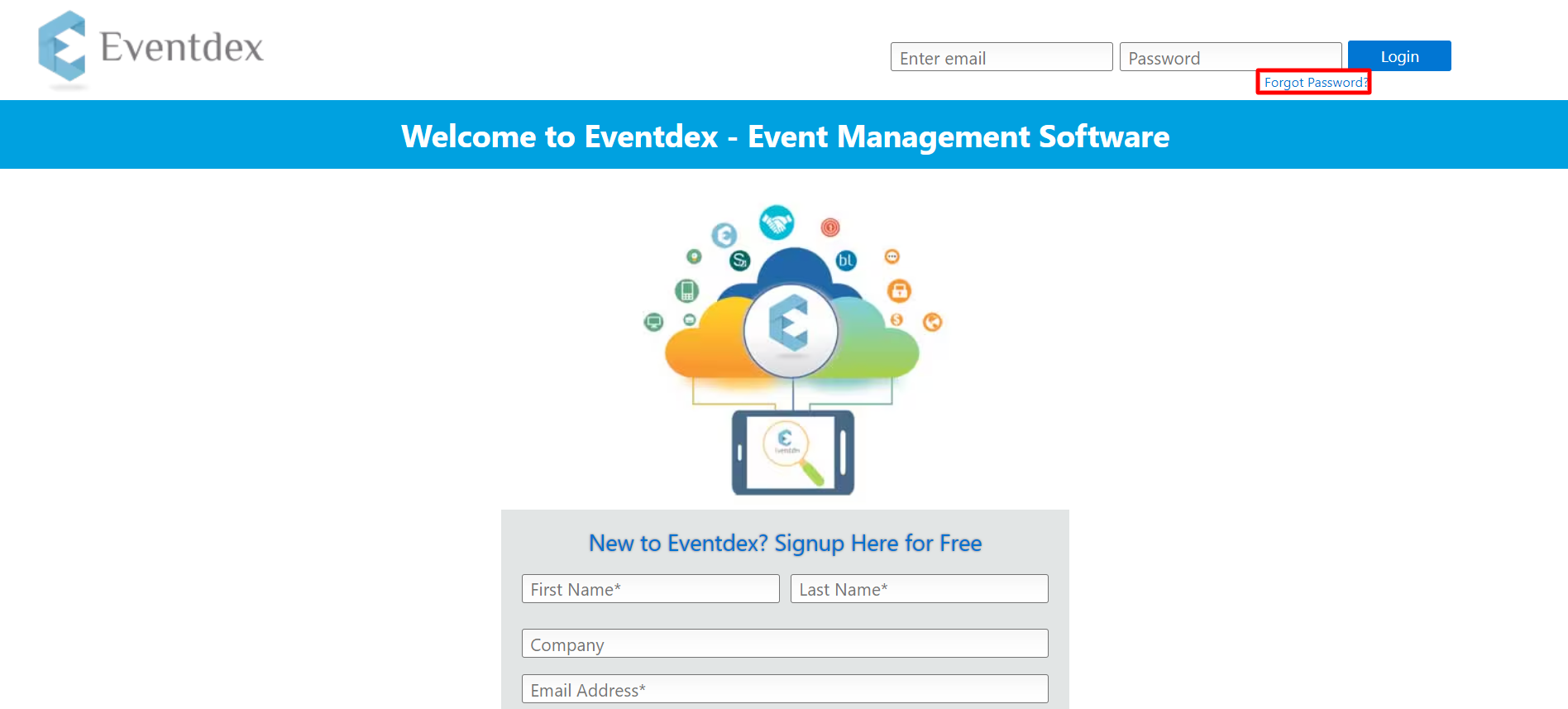
Click Forgot Password
On the Eventdex login page, click
Forgot Password?
2
Enter your username
Enter your username and click
Submit at the bottom of the page.
Good to know:
A new password will be sent to your registered email address
along with your username.
3
Log in with your new password
Check your registered email for the new password and use it to
log in to your Eventdex account.
4
Change your password
For security reasons, change the temporary password before
continuing.
Enter your New Password and click
Change Password.
✓ Password reset complete!
Your Eventdex account password has been successfully reset.
Need help logging in?
If you still cannot access your account after trying the steps above,
please contact Eventdex Support for assistance.
Quick links