How to Sign Up to the Virtual Event?
By support
If you are already an Eventdex User please Login with the same email Id that you have purchased for the ticket. It will redirect to your Event Home page.
Step 1: Click on check-in button which is on virtual event link as shown in below picture.

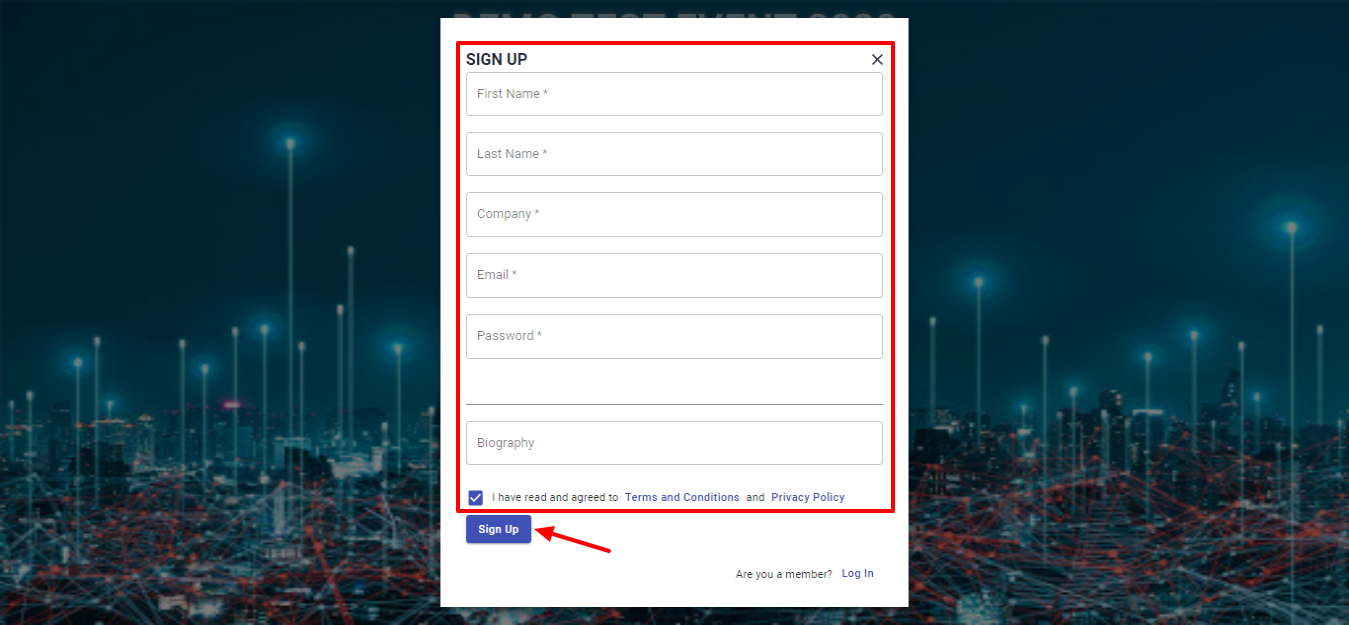
Step 2: A Signup popup appears where user can enter their First name, Last name, Email, Company, Password, Biography and accept Terms and Conditions. Click on Signup button to continue.