
Account Logout
By support
Eventdex Account Logout
Once you login into Eventdex from any page expand ‘My Account‘ button at the top right of the page.
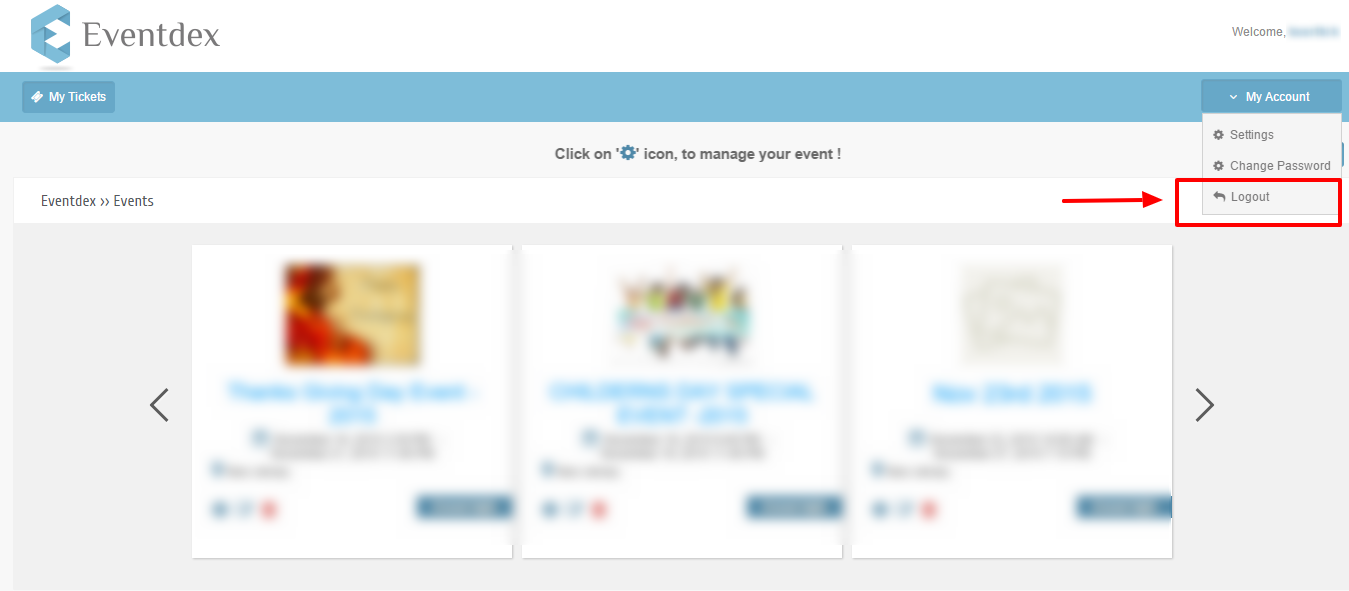
At the bottom of the My Account menu you can find Logout option.
Click on ‘Logout’ button to come out from the Eventdex.