
Manage User Profile
By support
Manage User Profile in Eventdex
Path: Login into Eventdex account and expand My Account button and click on Settings.
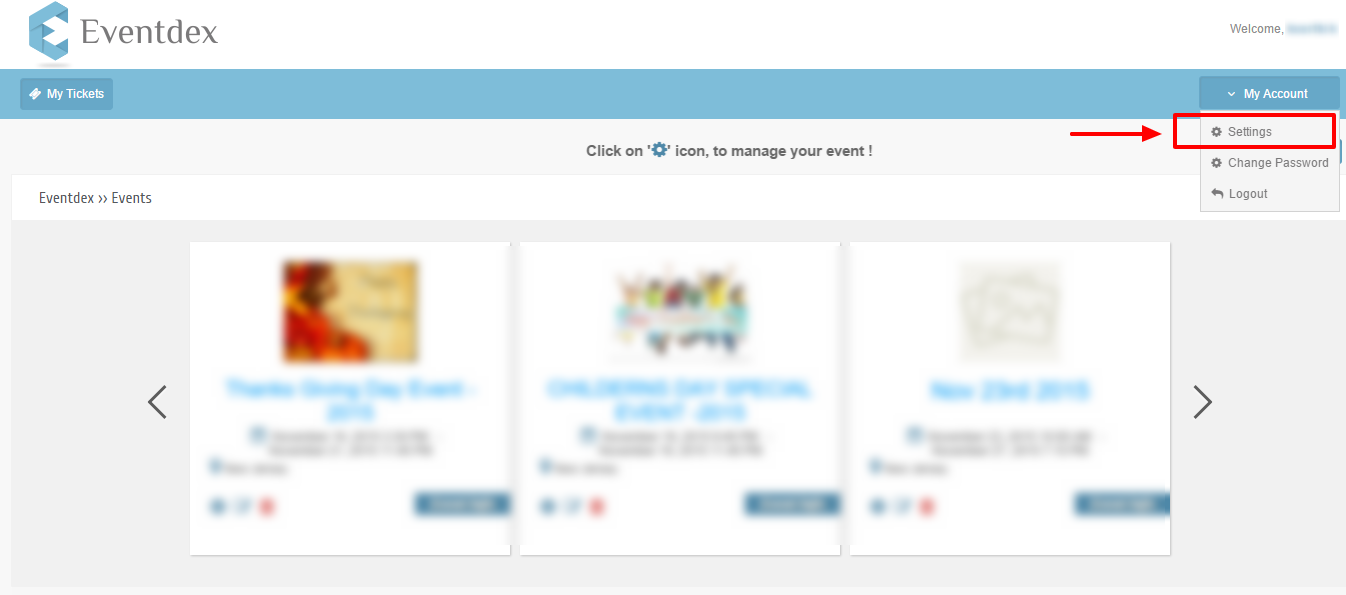
Now you will navigate to Manage user profile page,
In Manage Profile page you can see two sub tabs.
- Basic Information
- Company Information
Basic Information
In Manage Profile screen click on Basic Information.
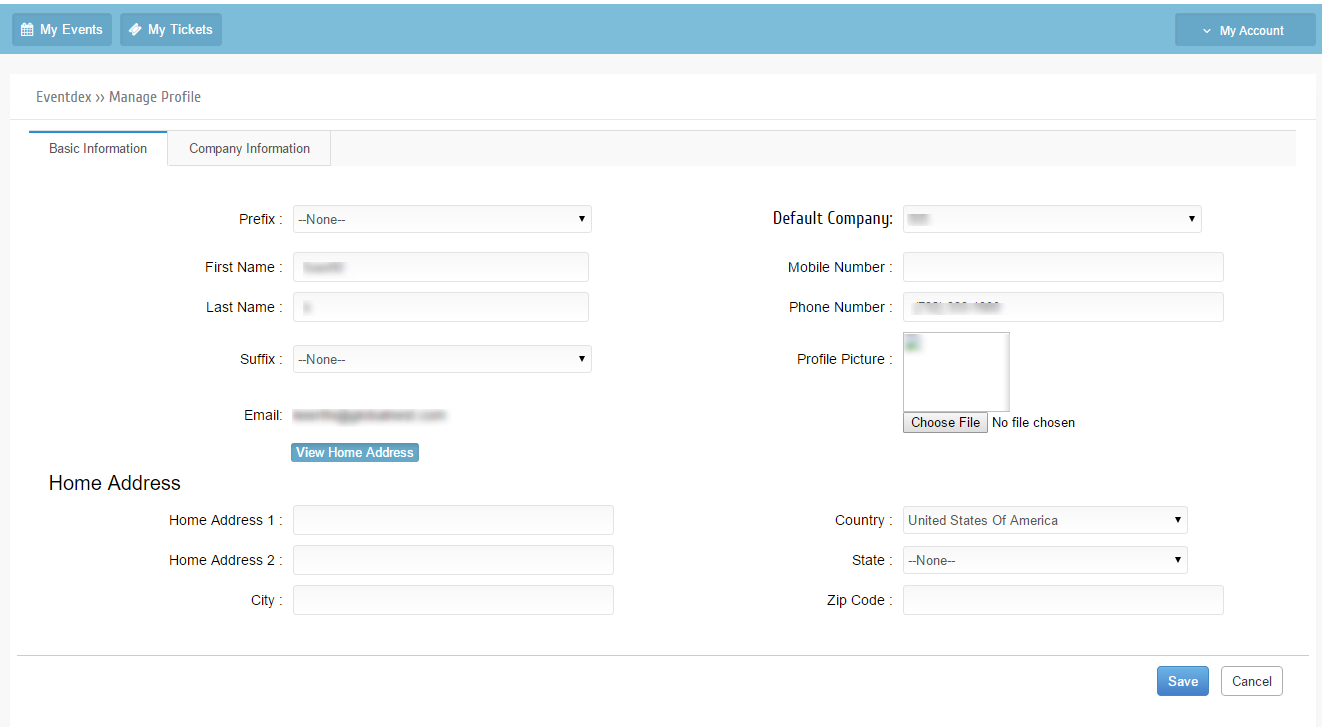
You can edit Basic Information and Home Address and click on Save button to save changes.
Click on ‘Cancel’ to exit manage profile screen with out saving changes.
Company Information
In Mange profile screen click on Company Information sub-tab.
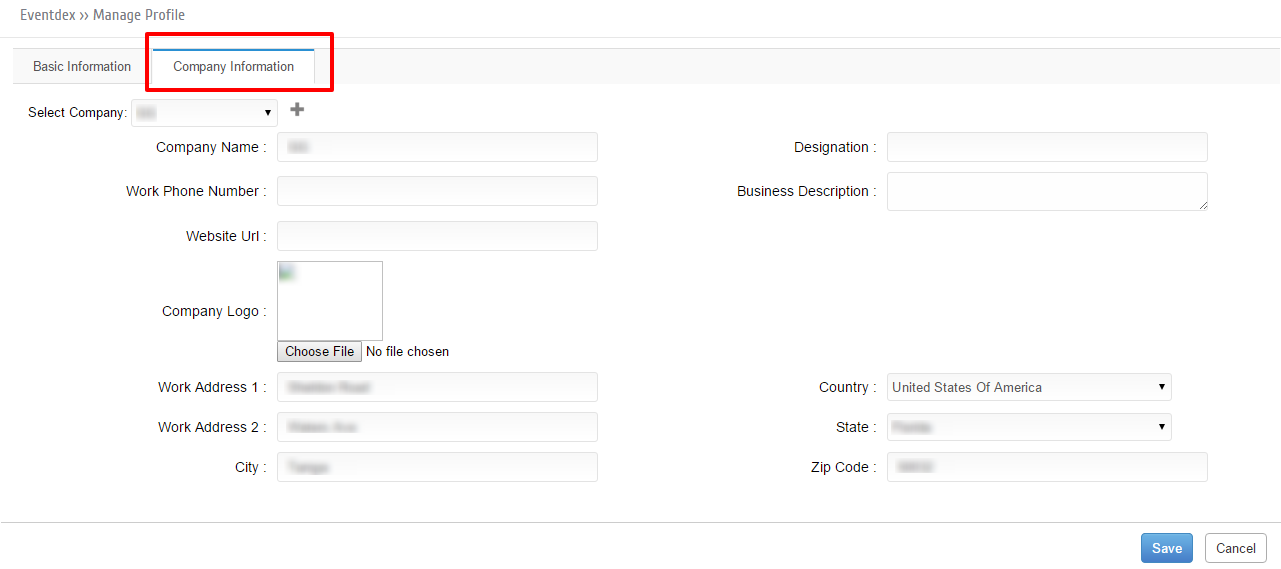
You can edit company information and Work Address Information and Click on Save button to save all changes.