
How to Stop Buyers, Attendees and Event Admin receiving emails?
By support
Step 1. Eventdex Portal >> Login >> Select the Event >> Event Settings >> Email Settings tab
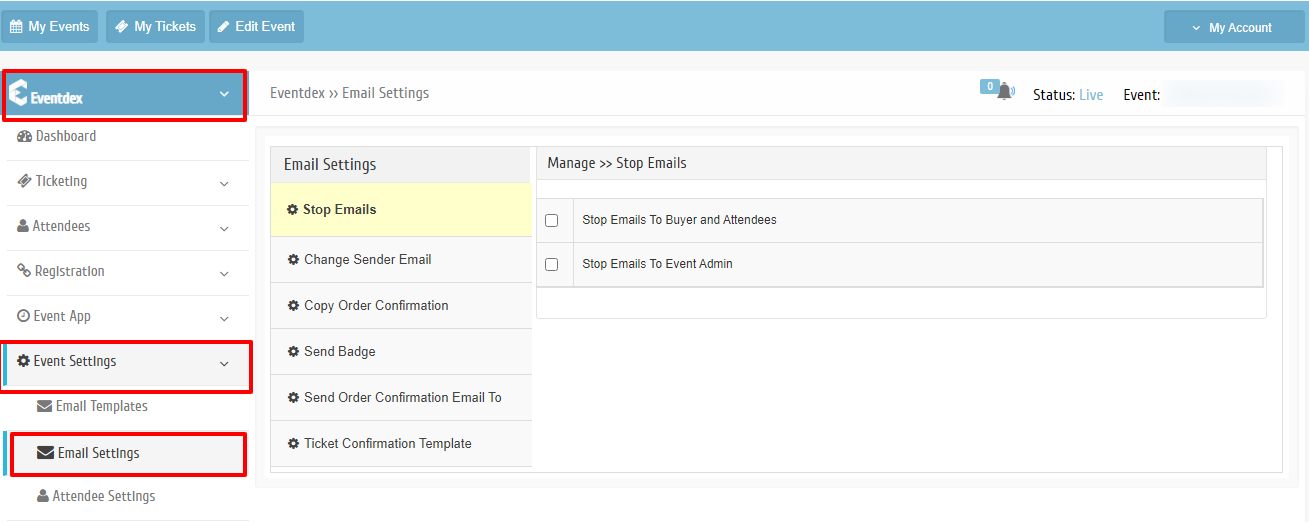
Step 2.Click on “Stop Emails“.
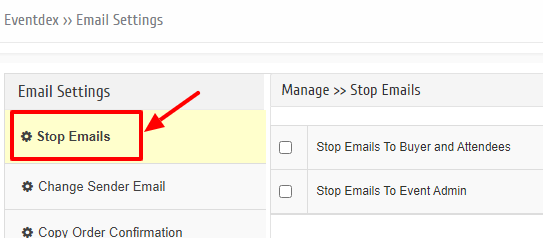
Step 3. To stop Event Admins, Buyers and Attendees receiving emails, click on the preferred tab. The email service will stop.