Can we filter the orders with date range?
By Krishna Vaaka
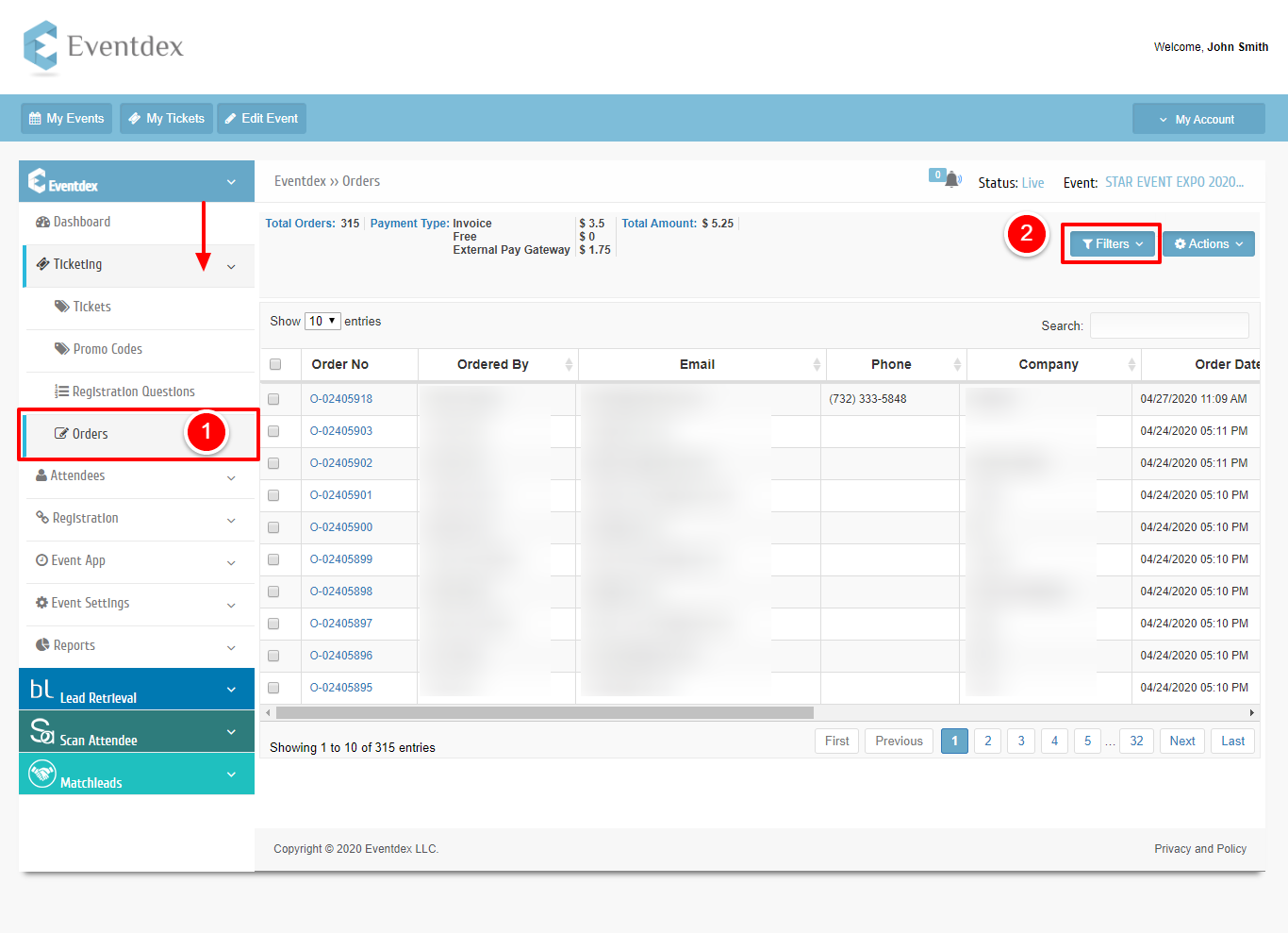
Step 1:Go to the Orders screen under the Ticketing section.
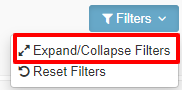
Step 2: Select the filters dropdown and click on the Expand/Collapse filter.
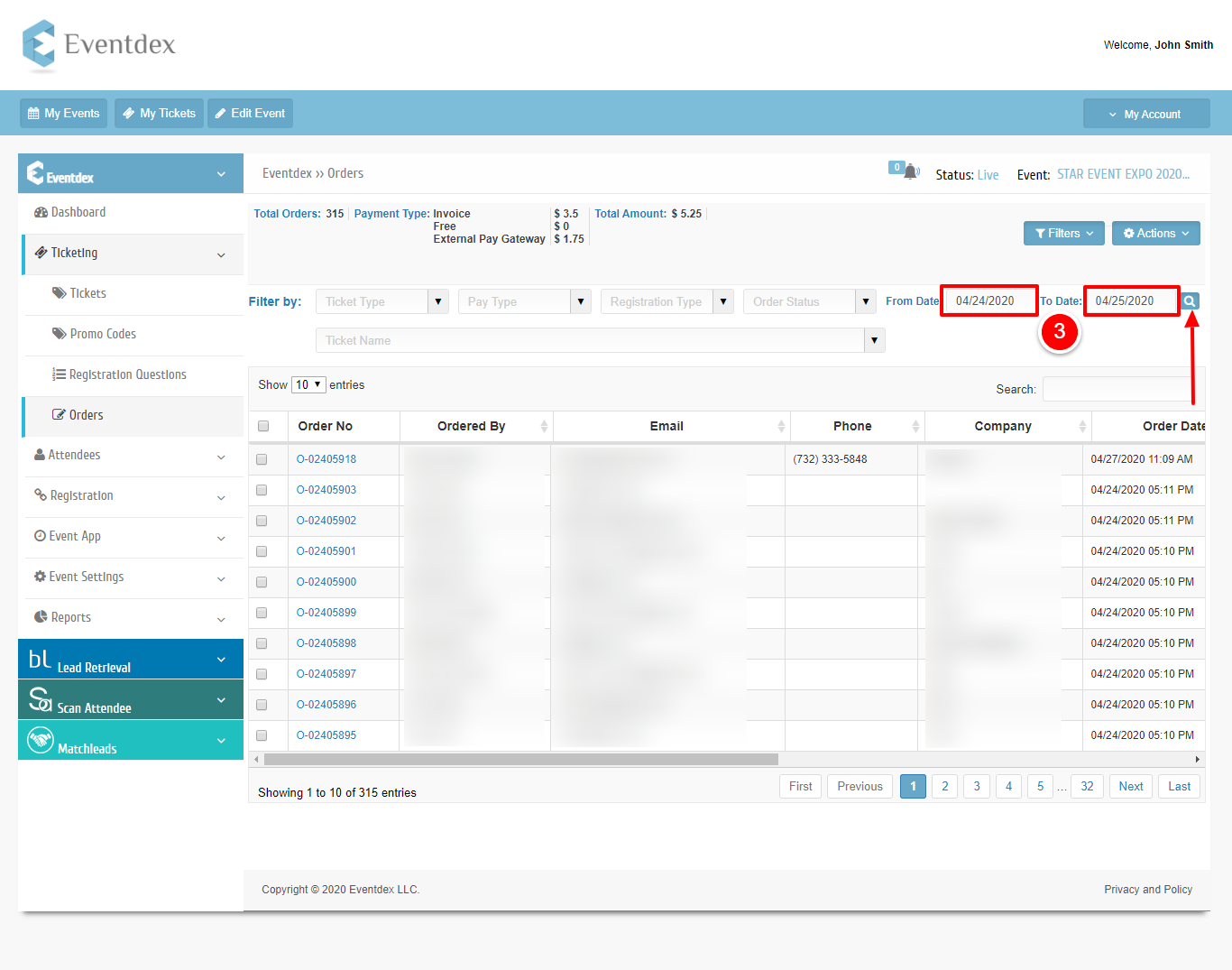
Step 3: Chose the date range and click on the search.
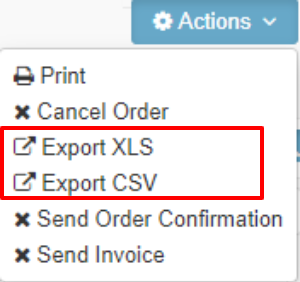
You can also export them by clicking on the Action button.