How can Event organizers (Event Admin) create a new group for Exhibitors?
By support
Event Admin can create new groups for those Exhibitors who purchased multiple Lead Retrieval tickets from them. This can be done by following the given steps:
Step 1. Go to Eventdex.com >> Login
Step 2.Select the Event for which Lead Retrieval (BoothLeads) Tickets are purchased.
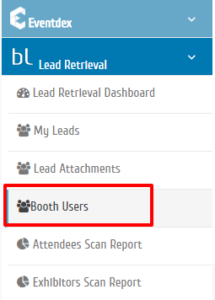
Step 3. Click on “Lead Retrieval” and then click on “Booth Users” tab from the drop-down menu.
Step 4.Enter the new group name in the “Create New Group” box.
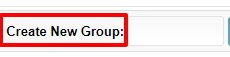
Step 5. Click on “Add” tab and a new group is created.

Step 6. Drag the names(ticket holders) from the “All Lead Retrieval Tickets” into this new group.
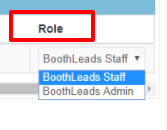
Step 7. Assign their role: BoothLeads Staff or BoothLeads Admin, for managing their ticket in the new group, by clicking on the “Role” drop-down menu.
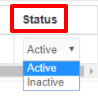
Step 8. You can change their “Status”: Active / Inactive in the group.