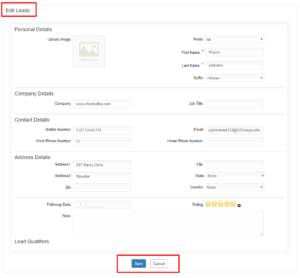
How to edit the Leads Data of the BoothLeads?
By support
Event Organizers or Exhibitors have to first purchase the BoothLeads ticket from Eventdex.com to perform this task.
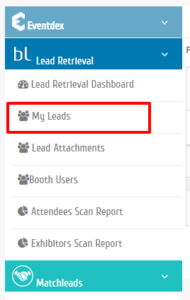
Step 1: Go to Eventdex.com >> Login >> Lead Retrieval >> My Leads.
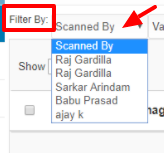
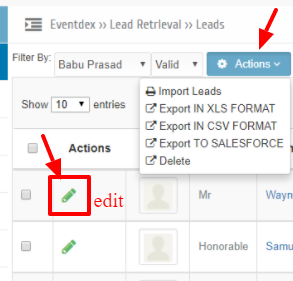
Step 2: Click on “Filter By” arrow and select the particular BoothLeads App username.
Step 3: Leads data is displayed on the screen.
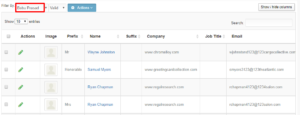
Step 4:To edit any leads data, click on “Edit” icon given in “Actions” column of that particular lead and make the desired changes you want to make.
Step 5: Click on “Save” tab or confirm the changes or click “Cancel” to exit the page.