How to view different BoothLeads App’s users?
By support
You (Event organizers) have to first purchase the BoothLeads ticket from Eventdex.com to perform this task.
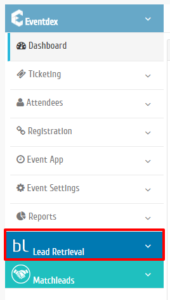
Step 1: Go to Eventdex.com >> Login >> Lead Retrieval (BoothLeads App).
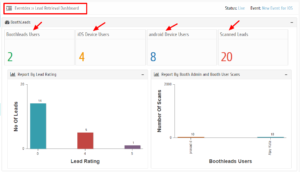
Step 2: Lead Retrieval dashboard appears on the screen where all details: BoothLeads App users, iOS Device users, Android Device users, and total Scanned leads are displayed.